My Tesla Powerwall showed charge but the house had no power
My Powerwall showed charge during an outage, but the house had no power. Load reduction helped temporarily; an onsite inspection found a loose, burnt connector.
Switching off the EV-charger circuit allowed backup power to return in my incident, but it did not resolve the underlying safety concern. A contractor later found a loose, burnt connector. The damaged connection required professional assessment and repair.
During an outage, the Tesla app showed my Powerwall at 16% charge and roughly four estimated hours of backup. The house was dark. The energy-flow screen showed 0 kW to the home, 0 kW from solar, and an offline Wall Connector.
Turning off the EV-charger circuit allowed backup power to return in this incident. Later, a contractor who had worked on the installation found a loose, burnt connector joining two large aluminum conductors. That finding changed the issue from a question about battery capacity to a connection that required professional attention.
The app readings and temporary recovery were observations. They did not prove the exact sequence of electrical faults, establish that the charger was defective, or certify the installation as safe afterward.
Stored charge did not mean power was reaching the house
| What I saw | What it told me—and did not tell me |
|---|---|
| 16% battery shown | The app reported remaining charge; that alone did not prove it could be delivered. |
| About four hours estimated | An estimate, not a guarantee of actual backup time. |
| 0 kW to the house | The displayed flow did not show the house being supplied at that moment. |
| 0 kW solar | No solar flow was shown; the screen alone did not identify why. |
| Wall Connector offline | A clue to check, not proof that the charger caused the fault. |
| High-temperature alert identified by Tesla | A reason to escalate the issue for onsite assessment. |
At first I considered a large load or charger problem. Removing the charger circuit from the load helped restore backup operation. The later high-temperature information and physical inspection showed why I could not stop at that temporary improvement.
What Tesla’s high-temperature alerts mean
Tesla distinguishes Backup Switch Fault from Backup Switch Lockout. Its guidance describes a fault after high temperature is detected at the home-facing socket, with the system going off-grid to reduce damage risk. Reconnection can occur within about 30 minutes if the temperature falls. Repeated temperature events can trigger a lockout that requires an installer visit.
That protective behavior is consistent with the concern in my incident. However, the alert description identifies the monitored condition; it does not by itself prove which separate connector failed or exactly how that failure affected every circuit. That needs the onsite findings.
Why the charger mattered without being a confirmed root cause
EV charging can be a substantial load. As an illustrative calculation, 240 volts multiplied by 48 amps is 11,520 watts, or about 11.5 kW. This is an example, not a measurement of the charging current during my incident or a specification for every installation.
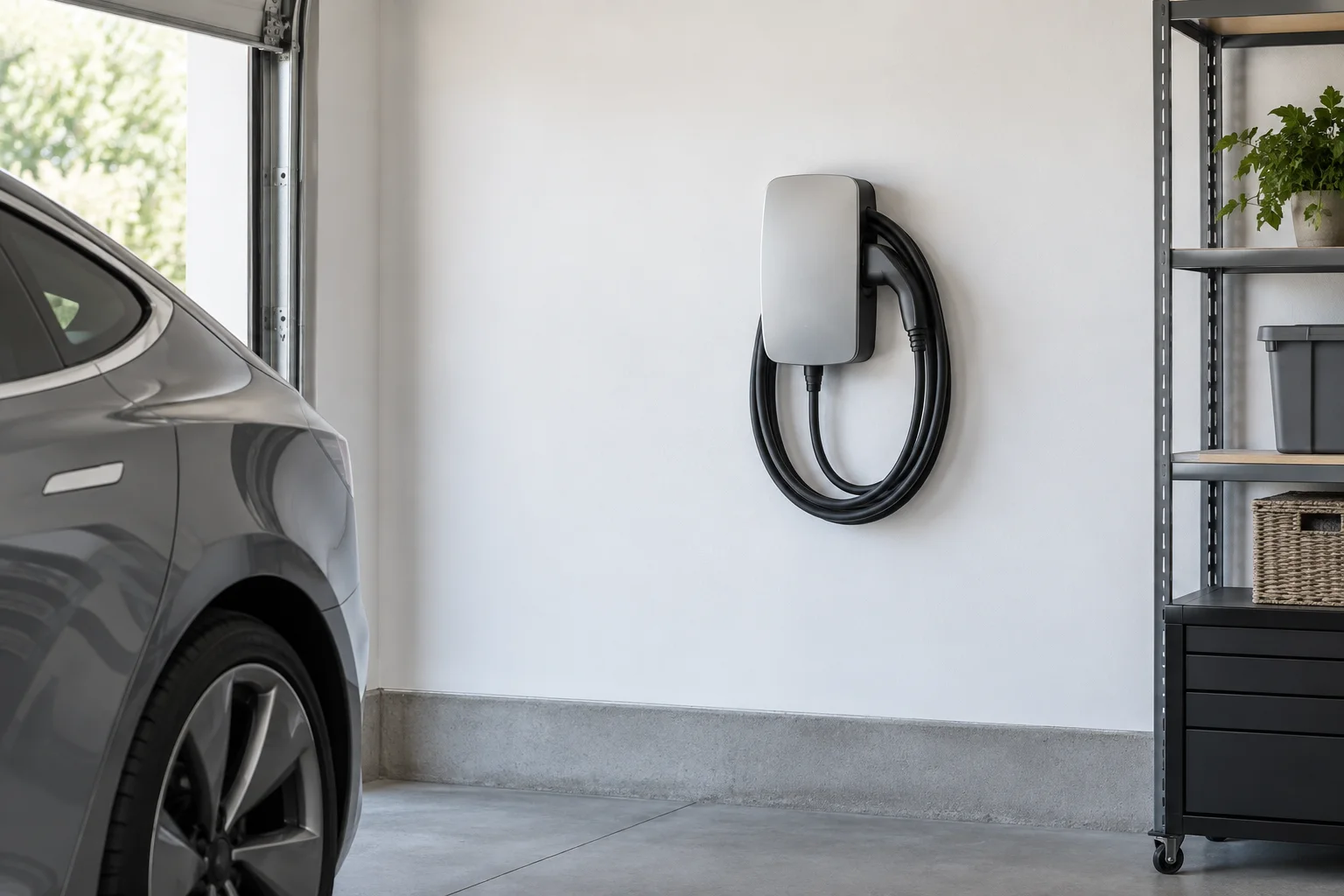
Turning off the dedicated charger breaker was followed by backup power returning in my case. But I did not have a complete circuit-level measurement record proving the charger’s current at that moment. An offline app indicator is not a current reading.
Lowering demand can change the symptoms of a stressed system. It does not make a heat-damaged connection safe, and reducing charging amperage is not a substitute for investigating the damaged component.
Why the loose, burnt connection mattered
The physical finding was a loose, burnt connection between large aluminum conductors. A poor electrical connection can develop resistance and localized heating. The relationship P = I²R explains why substantial current through a resistive connection can create heat.
That principle helps explain the concern, but it does not establish whether the original problem was preparation, torque, component selection, later damage, or another installation condition. The component markings, conductor condition, and service record are needed to assess the cause.
A burnt connector should not be treated as repaired simply by tightening it. A qualified professional needs to assess replacement and any damage extending into the conductors or insulation, then test the affected system.
Aluminum was not automatically the problem
The conductor material alone did not establish an installation defect. Tesla’s Gateway 3 wiring documentation includes copper and aluminum conductors within specified limits. The exact terminal or separate splice must be suitable for its conductor material and size and installed according to its own instructions.
Why I am not publishing a generic tightening value
The failed part was described as a separate connector. Values for terminals inside a Gateway cannot be assumed to apply to an unrelated inline splice. The connector’s make, model, conductor range, preparation instructions, and specified torque are what the electrician must identify.
Hand-tightening by feel or an ordinary impact gun is not a substitute for the specified torque procedure and appropriate calibrated tool. Units also matter: inch-pounds and foot-pounds are different. These are questions to ask the service professional, not a homeowner repair sequence.
What I would ask the electrician to document
| Record | Purpose |
|---|---|
| Failed and replacement connector identification | Establish the actual component and the instructions that apply. |
| Conductor material, size, and condition | Check compatibility and the extent of heat damage. |
| Required torque and tool used | Document the correct installation method for that exact part. |
| Inspection of adjacent terminations | Check whether the damage or installation issue extends further. |
| Post-repair testing under appropriate load | Have the professional check heating and normal operation. |
| Grid-to-backup transition and alert status | Confirm the intended modes work and the fault is addressed. |
If safely obtained by the professional, photographs of the failed part and its markings can help preserve the evidence. A temporary return of power is not the same as a documented, completed repair.
What a homeowner can do without opening equipment
- If there is smoke, arcing, a burning smell, unusual heat, or another immediate concern, keep away. Do not approach equipment to operate a breaker.
- Where there is no immediate hazard, reduce large loads through normal appliance or app controls if safely available. Follow site-specific directions from Tesla or the installer.
- Record the exact alert and time from a safe location. Save screenshots privately for support.
- Contact Tesla Energy Support and the installer. Ask whether a qualified electrician or the utility needs to attend.
- Keep the damaged equipment out of service until the responsible professional has assessed it. Do not repeatedly reset or bypass protection.
Tesla says not to perform routine Powerwall troubleshooting during a grid outage or extreme weather. A representative guided a site-specific power cycle during my incident, but the sequence is not reproduced here. Equipment layout and isolation requirements vary.
Common questions
Why could the app show charge while the house was dark?
Stored-energy readings do not confirm that power is being delivered. In this incident there was a high-temperature concern and a damaged connector; other systems can have different faults.
Did switching off the charger fix everything?
No. Backup operation returned temporarily, but the later physical finding still required professional service. The notes do not provide a complete post-repair test record.
Can I bypass the Powerwall to get grid power?
Do not attempt a DIY bypass, particularly with a high-temperature alert or damaged connection. Re-energizing the wrong path can expose the damaged equipment to power again.
Should I replace the charger?
This account does not establish that the charger itself failed. Have the actual fault diagnosed before buying replacement hardware.
What I took from the incident
The useful progression was from the app’s battery percentage to actual power flow, then to the alert and onsite physical findings. The most important result was identifying a damaged connection that a simple change in charging settings could not make safe.
Sources and verification
Official guidance checked September 9, 2026. Menus, software, and manufacturer instructions can change.
This is a personal incident account and general information, not electrical or engineering advice. Everyday Solved is not affiliated with Tesla or the installer. The article should be updated if subsequent repair records establish a different cause or outcome.
Adapted from the owner’s supplied notes, with personal identifiers omitted. Confirmed observations, suggested next steps, and manufacturer guidance are distinguished. Affiliate and advertising disclosure.